
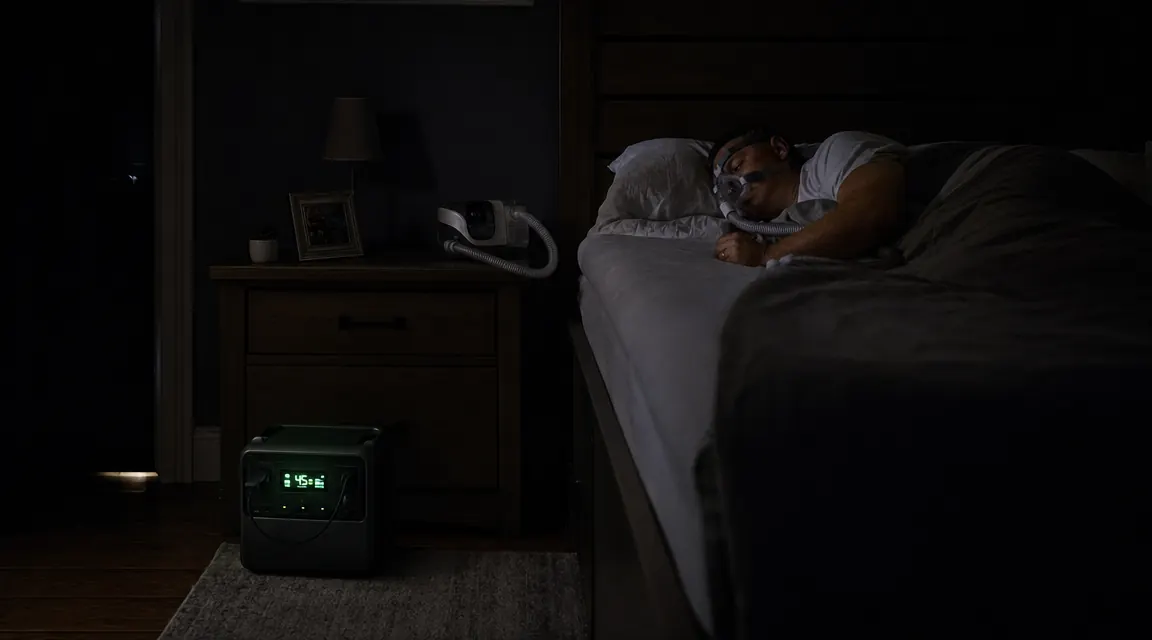
I work 12-hour overnight ER shifts, and I have been on CPAP for about four years. My sleep apnea is moderate, around a 22 AHI untreated, and missing a night on the machine is not just uncomfortable, it wipes me out for two days. So when a subtropical storm knocked out power to our neighborhood for 36 hours last August, my first thought after the lights went out was not the food in the freezer. It was the CPAP on my nightstand.
Most CPAP users I know fall into one of two camps: they either have a half-plan involving a car adapter they bought and never tested, or they have no plan at all. Neither works when you actually need it. This guide is the setup I landed on after testing it through three camping trips and two real blackouts. I use a Jackery Explorer 1000 v2 as my primary backup source, and the runtime numbers I quote here come from my own machine under my own pressure settings, not from a marketing sheet.
Your CPAP needs backup power before the next outage hits, not after.
The Jackery Explorer 1000 v2 holds 1070Wh of LiFePO4 capacity, runs a CPAP for three to five nights on a single charge, and recharges from a wall outlet in under two hours. It is what I keep plugged in and ready in my bedroom.
Amazon Check Today's Price on Amazon →What You Need to Know Before You Start
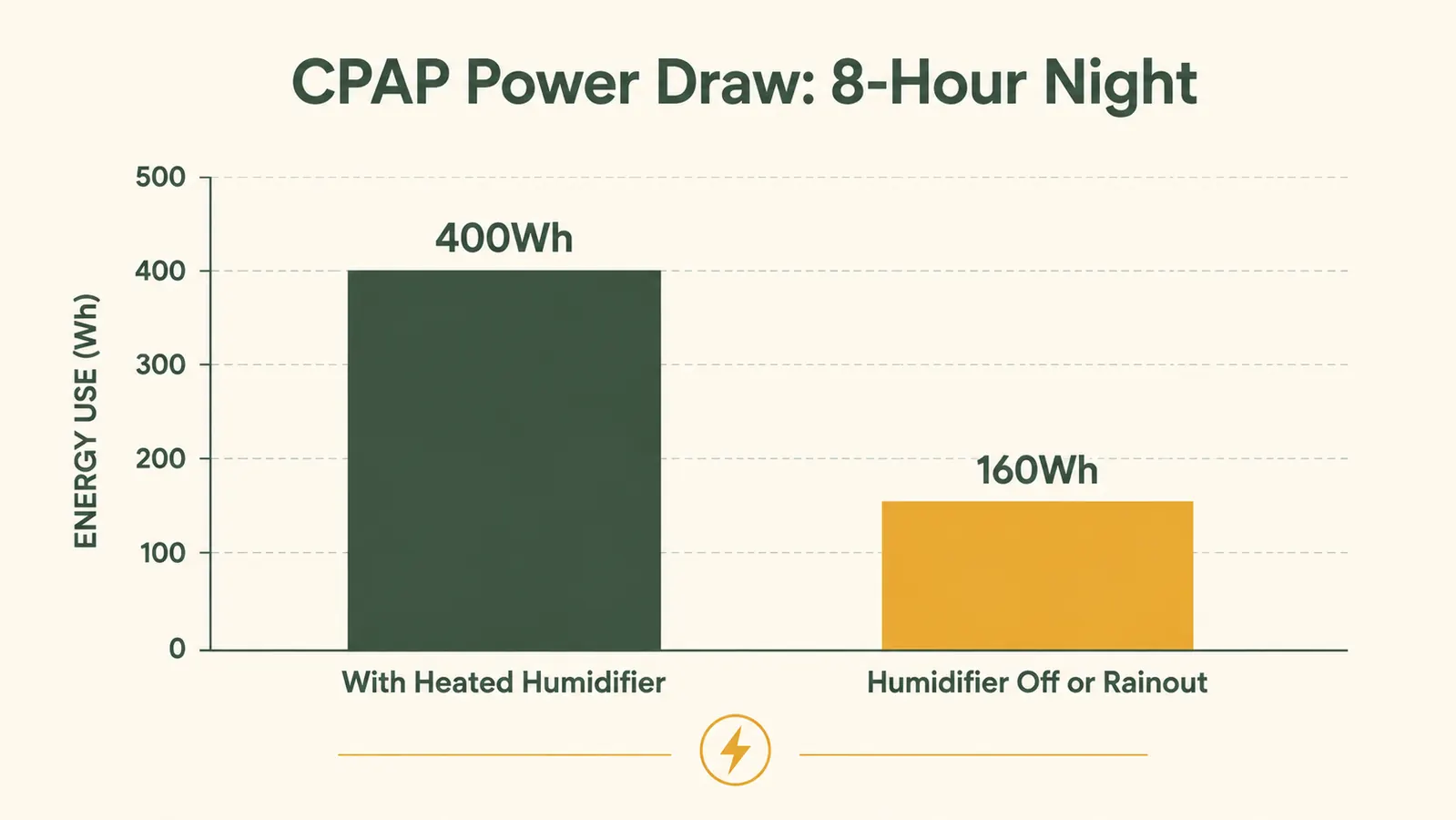
CPAP machines vary more than people realize in how much power they pull. The pressure setting matters, the humidifier matters more, and whether you have a heated hose matters most. My ResMed AirSense 11 at pressure 10, with the humidifier set to level 4 and the heated hose enabled, draws about 48 to 55 watts while running. Over an 8-hour night, that comes to roughly 400 watt-hours. Turn the humidifier off completely and that number drops to around 18 to 22 watts, or about 160Wh for the night. That is a two-and-a-half times difference in energy use, and it is the reason some people burn through a power station in two nights while others stretch it to five.
Older CPAP models (especially travel CPAPs like the AirMini or Z2) draw even less. If you run one of those at a low pressure setting with no humidifier, you can expect somewhere in the 30 to 80Wh range per night. For most people though, the safe planning number is 350 to 450Wh per night if you keep the humidifier on, and 150 to 180Wh per night if you turn it off. Write that number down before you move on. It is what you will use to pick the right power station and calculate how many nights you can go before you need to recharge.
Step 1: Find Your CPAP's Actual Watt Draw
The most accurate way to do this is with a kill-a-watt meter or any plug-in power monitor. Plug the meter between the wall and your CPAP adapter, set your pressure as you normally would, turn the humidifier to your normal setting, and let it run for 30 minutes. Read the watt display. That number is your continuous draw. Multiply by the hours you typically sleep to get your nightly watt-hour usage. A $15 power monitor from the hardware store will tell you exactly what you are dealing with, which is worth far more than guessing.
If you do not have a meter yet, use these rough estimates to start: standard home CPAP with humidifier at medium = 45 to 60W; standard home CPAP with humidifier off = 18 to 25W; travel CPAP with no humidifier = 8 to 15W. Bi-PAP machines draw more, typically 80 to 100W, so if you are on Bi-PAP, size your battery station accordingly. The math is the same, just with a higher starting number.
Step 2: Choose the Right Power Station for Your Nightly Draw
Once you know your nightly watt-hour number, choose a power station that gives you at least three nights of runtime without recharging. Three nights is my personal minimum because most blackouts resolve in two to three days, but after Hurricane season last year I started thinking about five. For someone running a CPAP at 400Wh per night, three nights requires 1200Wh of usable capacity. Five nights requires 2000Wh. For a CPAP user running without a humidifier at 160Wh per night, three nights needs only 480Wh.
The Jackery Explorer 1000 v2 has 1070Wh of LiFePO4 capacity with a rated 1500W AC inverter. In my use with the humidifier at medium (about 50W draw), I get just over two nights of full runtime, or about 2.1 nights to be exact. With the humidifier off, I stretch it past five nights comfortably. That is the tradeoff. If you want both the humidifier and three or more nights of backup, step up to a 2000Wh station. But for most users, the 1070Wh tier is the right balance of cost, weight, and real-world runtime. It also recharges from 0 to 100 percent via wall outlet in under two hours, which matters if power flickers back briefly.
One note on chemistry: LiFePO4 (lithium iron phosphate) is the battery type I recommend for bedside use. It runs cooler than NMC lithium, has a much lower thermal runaway risk, and holds its charge for months on standby. The Explorer 1000 v2 uses LiFePO4. If you are looking at a cheaper power station that does not specify the chemistry, assume it is NMC and factor in the thermal caution.
Step 3: Set Up the Physical Connection
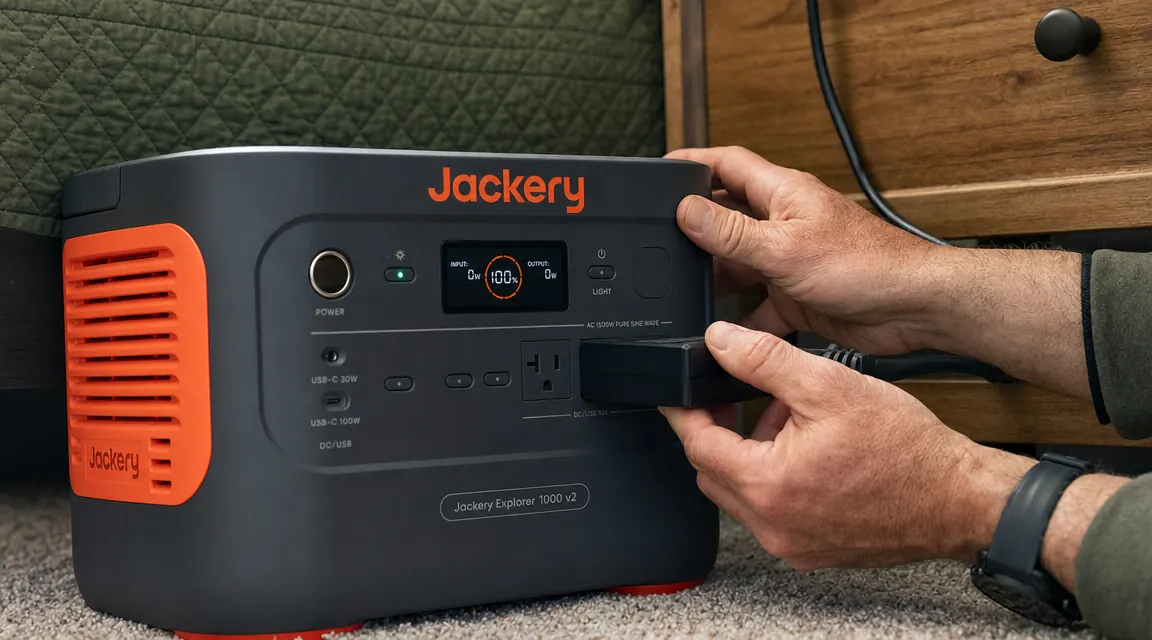
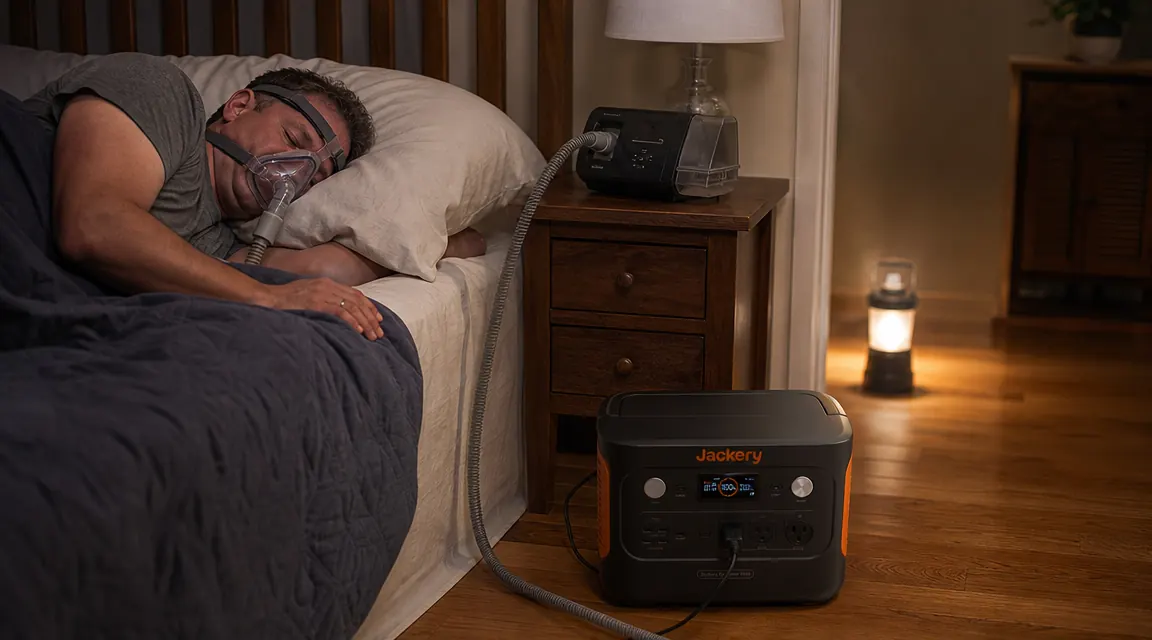
The connection itself is straightforward. Your CPAP's power supply (the brick, if it has one) plugs directly into one of the AC outlets on the power station. No adapter needed. Set the power station on the floor next to your nightstand, not inside a closed cabinet or closet. LiFePO4 stations run cool, but you still want ambient airflow and you want to be able to hear if anything sounds unusual while you sleep. Route the cord so you will not kick it if you get up in the night.
Some CPAPs (especially older ResMed models and some Philips DreamStation units) have a DC input that accepts 24V directly, which bypasses the inverter entirely and improves efficiency by about 10 to 15 percent. If yours has a DC input, check whether the power station has a regulated 24V DC output port. The Jackery Explorer 1000 v2 has a regulated 12V/24V DC car port, confirm the voltage before plugging in anything that specifies 24V. If the voltages match, use the DC connection. If you are unsure, default to AC. The efficiency gain is real but small, and using the wrong voltage risks damaging the CPAP.
Step 4: Manage the Humidifier Setting Based on How Long Your Power Needs to Last
This is the step most guides skip. The humidifier is the biggest energy variable by far, and managing it intelligently is how you stretch a one-night station into a three-night station. On night one of a blackout, I keep the humidifier at my normal setting. I sleep well, and I am not stressing about battery because I have roughly two nights of buffer. If the power is still out by day two, I drop the humidifier to level 2 or off entirely, and I accept that it will feel drier. Not ideal, but manageable for a night or two. By doing that, I effectively triple my remaining runtime.
The other variable is the heated hose, if your setup has one. A heated tube draws an additional 12 to 18 watts on its own. Turn it off during an extended outage and you recover another 100 or so watt-hours per night. Between dropping the humidifier and disabling the heated hose, a CPAP user who normally draws 55W can get that down to around 20W, which changes the math dramatically. Know those settings on your machine before the outage happens, not during it at 2 a.m.
Step 5: Keep the Power Station Charged and Ready Before an Outage Happens
The only way this setup fails is if your power station is sitting at 20 percent when the lights go out. My habit is to plug the Jackery in for a top-off charge every two weeks, even if I have not used it. LiFePO4 batteries handle partial charging well, you do not need to discharge before recharging, and leaving it at 80 to 90 percent indefinitely causes no meaningful degradation. I keep mine plugged into the wall at a keep-alive level using the eco-charging mode so it stays topped up without running a full charge cycle every day.
If you have a solar panel, you can also preposition it outside during a daylight window to top up the station before a storm hits. The Jackery Explorer 1000 v2 accepts up to 400W of solar input and supports pass-through charging, meaning it can power the CPAP at night while recharging from solar during the day. A single 200W panel in clear sky conditions adds about 800 to 900Wh back per day, which fully covers a night's CPAP draw and then some. For an extended outage that stretches past four or five days, that solar loop is what keeps you running indefinitely.
The humidifier draws three times what the CPAP motor itself draws. Turn it off on night two and a 1000Wh station suddenly becomes a five-night station instead of two.
What Else Helps
A few things beyond the power station that make this setup more reliable: First, keep a printed copy of your CPAP pressure settings (pressure range, EPR or A-Flex level, humidifier defaults) somewhere in your nightstand. If the power station dies mid-night and you need to reboot the machine, some CPAP models reset settings after a full power cycle. Knowing your settings without hunting through the app at 3 a.m. matters. Second, if your mask or hose is older, a blackout is a good reminder to check the condition. A cracked cushion or a loose elbow connector that was manageable on wall power becomes more noticeable when you are trying to conserve watt-hours. Third, a small 12V car battery or a dedicated CPAP battery pack (the AirMini DC travel battery or similar) makes a good secondary backup for camping specifically, where the power station may be running the whole site. Save the big station for the heavy loads and keep the CPAP on its own compact DC pack when possible.
For those who are newer to portable power and want a deeper look at the Jackery Explorer 1000 v2 across more use cases, the six-month long-term review covers performance in both warm and cold conditions, recharge speed from solar, and how the capacity holds up over repeated cycles. If you are comparing it against other stations before buying, the 10 reasons it handles blackouts piece breaks down the specific features that make it a better fit than a gas generator for most households.
If you have a CPAP and no backup power, you are one storm away from a bad night.
The Jackery Explorer 1000 v2 is the power station I keep at my bedside for exactly this reason. 1070Wh of LiFePO4 capacity, 1500W AC output, under two hours to recharge, and a quiet inverter that will not wake you up. Check the current price on Amazon and see if it makes sense for your setup.
Amazon Check Today's Price on Amazon →