
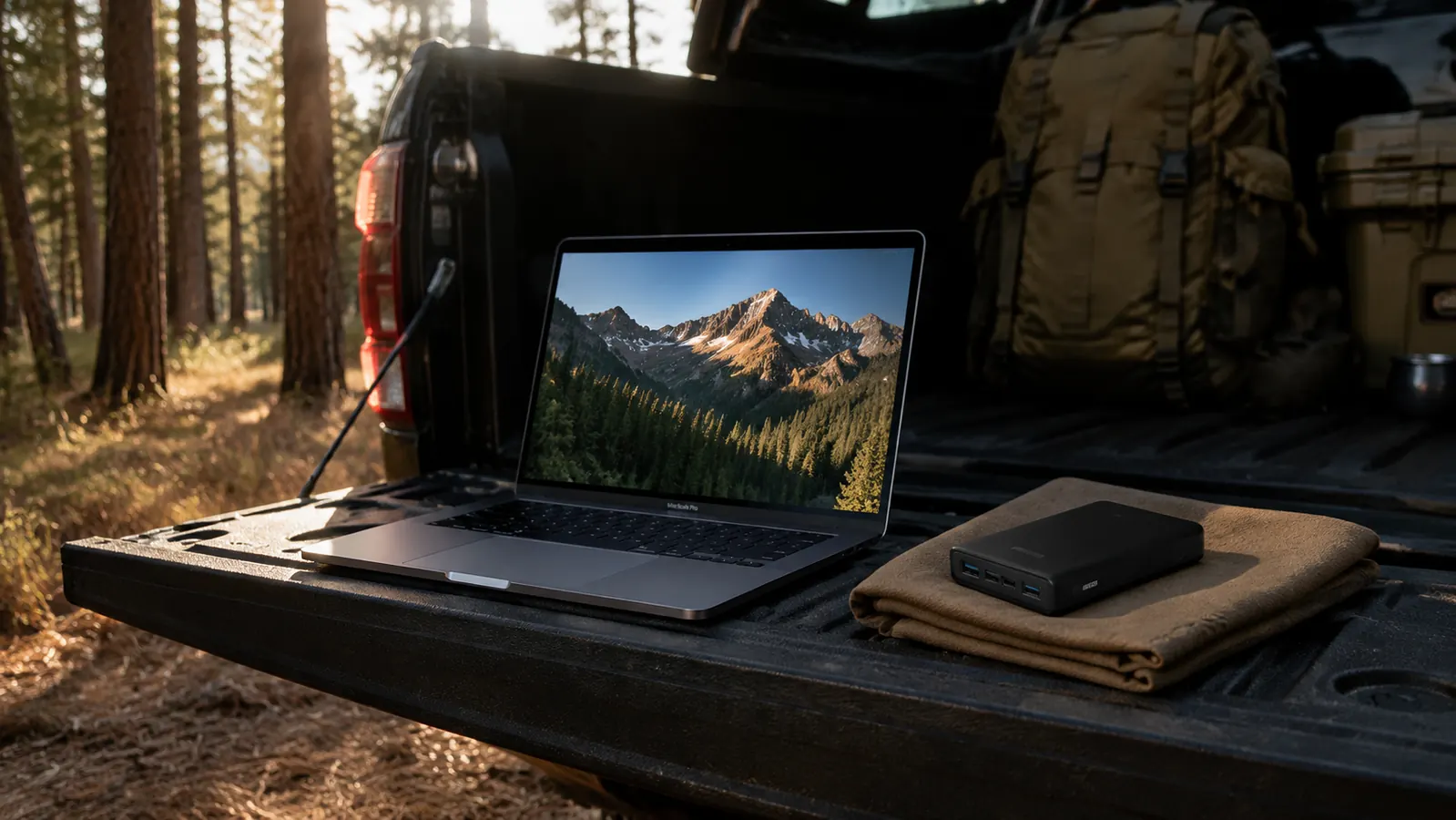
Last fall I worked a stretch of four overnight shifts back to back, and by the third night my laptop was sitting at 8% with six hours left on my shift. The wall outlet three feet from my chair was occupied by two IV pumps. That situation is fixable with the right power bank, but only if you have matched the wattage correctly. A 20,000mAh bank that outputs 18W is nearly useless for a modern laptop. The Anker 25,000mAh Laptop Power Bank with triple 100W USB-C ports is what I ended up buying, and it is the piece of gear I reach for more than any other portable power item I own.
This guide covers the exact steps for keeping a laptop running all day without a wall outlet, whether you are on a job site, in an airport, working through a blackout, or camping for a week. The math matters here, so I will walk through USB-C Power Delivery wattage matching, realistic runtime by laptop class, and how to think about recharge strategy when you have no outlet at all.
Your laptop should not die before your shift does.
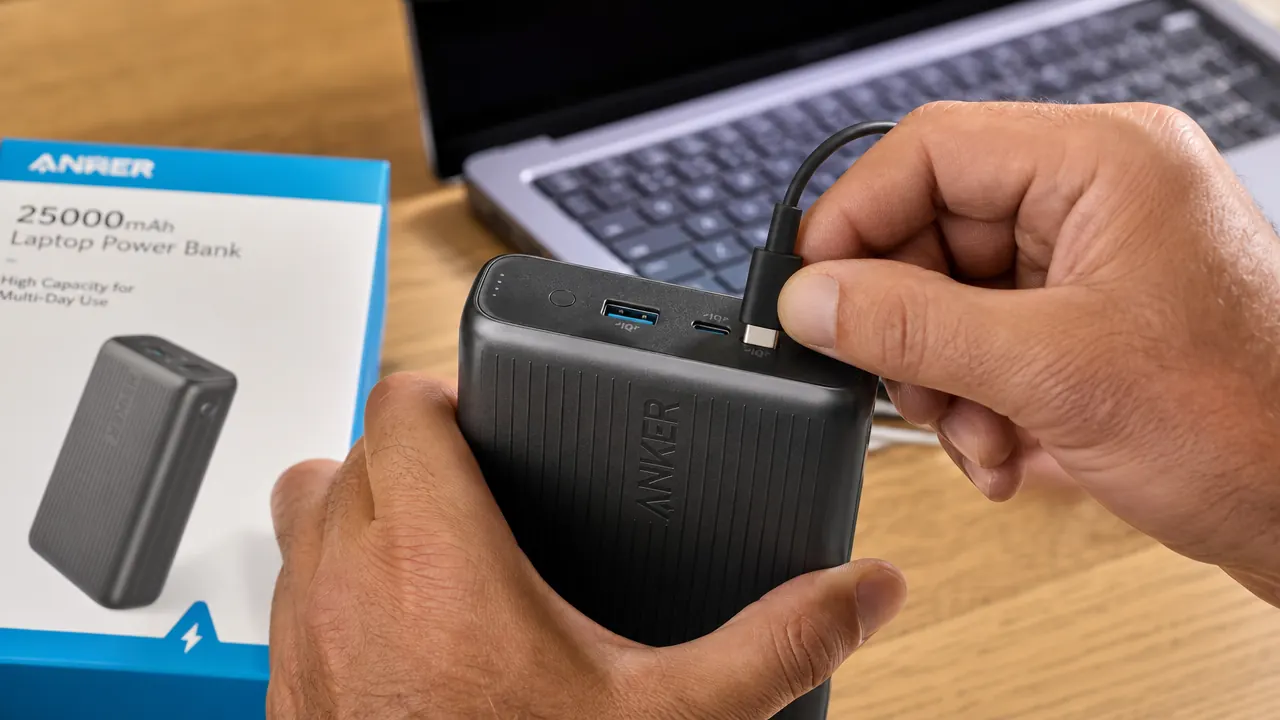
The Anker 25,000mAh power bank delivers up to 100W per USB-C port, carries enough capacity for 2-5 full laptop charges depending on your machine, and has a built-in retractable cable so you are never hunting for a cord at 2 a.m.
Amazon Check Today's Price on Amazon →Step 1: Check What Wattage Your Laptop Actually Needs
This is where most people get tripped up. They buy a power bank with a big mAh number and assume it will charge their laptop. Sometimes it does, slowly. Often it does not charge at all while the laptop is running, so the battery drains even while the bank is plugged in. The culprit is wattage.
Flip your laptop over and look for the AC adapter that came with it. There will be a wattage rating printed on it: 30W, 45W, 65W, 90W, 100W, or higher. That number tells you the maximum power the machine wants to pull during heavy use. For the power bank to actually charge the laptop under load, its USB-C output needs to match or beat that number. Anything lower and you are in a tie at best and slow drain at worst.
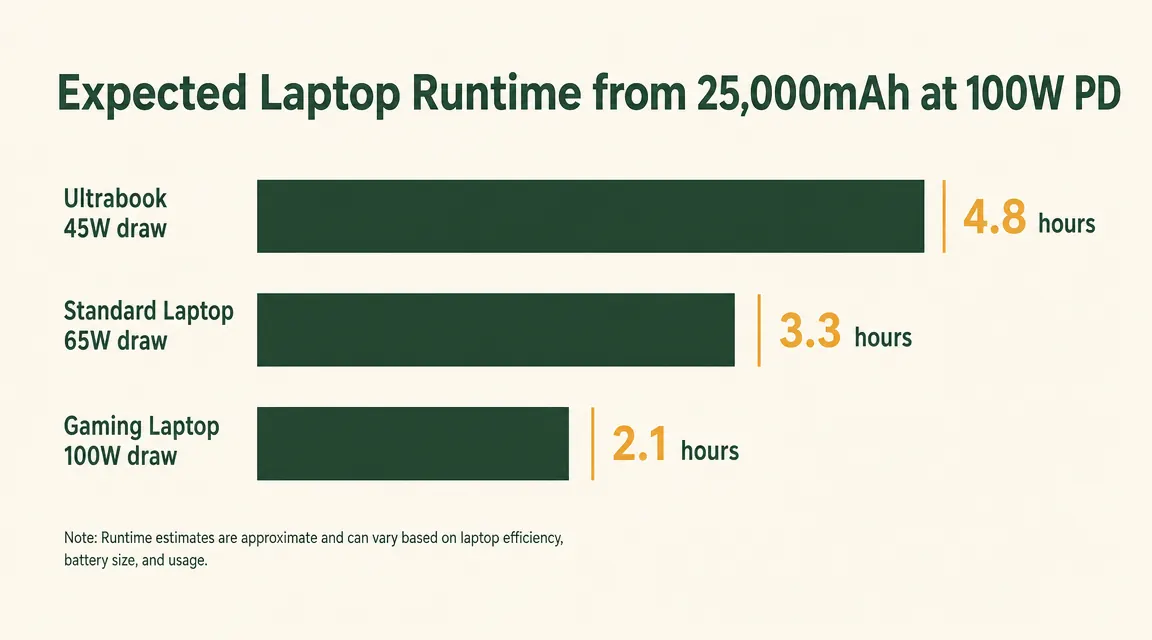
Common laptop classes by wattage: thin-and-light ultrabooks like the Dell XPS 13 or MacBook Air M3 draw 30-45W. Mid-range laptops like the MacBook Pro 14-inch base model or Lenovo ThinkPad X1 Carbon draw 67-96W. Larger laptops with discrete GPUs, like gaming machines or mobile workstations, can draw 100-140W under load. The Anker 25,000mAh bank tops out at 100W per USB-C port, which covers the first two categories completely and handles most creative or professional laptops at full throttle.
Step 2: Understand the Real Capacity You Have to Work With
The 25,000mAh rating on the Anker bank is measured at 3.7V, the nominal cell voltage. Your laptop charges at 20V via USB-C PD. The conversion math with typical 85-90% efficiency lands you at roughly 77-84Wh of usable energy delivered to the laptop. To put that in plain terms: a MacBook Air M3 with a 52.6Wh battery gets approximately 1.4 to 1.6 full charges from this bank. A MacBook Pro 14-inch with a 70.1Wh battery gets roughly one full charge with a little left over. A ThinkPad with a 57Wh battery gets about 1.3-1.5 full charges.
Those numbers assume you start the laptop at zero and charge to 100%. In practice, most people top off from 30-40%, which means the bank covers two to three topping cycles on an ultrabook before it needs a recharge itself. For a nine-to-twelve-hour stretch, that is more than enough if you start the bank fully charged.
Step 3: Use the Right Cable and Port
The Anker 25,000mAh bank has three USB-C ports and one built-in retractable USB-C cable. All three full-size ports deliver up to 100W when only one device is connected. When you split the load across multiple ports simultaneously, the wattage is shared. If you are charging a laptop and a phone at the same time, expect the laptop port to drop to 65W and the phone port to handle the rest. For most laptops that is still fine.
Use a USB-C cable rated for 100W (often called a 5A cable or a USB-C 2.0 240W cable). The included retractable cable on the Anker unit is rated for 60W, which is adequate for ultrabooks but may throttle a higher-draw laptop. If your machine needs 90-100W, bring a separate 100W-rated USB-C cable. These cost around five to eight dollars and make a real difference.
One thing I have seen people miss: some laptops will only accept charging from the left-side USB-C port, not the right. The port physically accepts the cable on both sides but only one side handles PD negotiation. Check your laptop manual if you are not seeing the charging indicator light up.
Step 4: Plan Your Recharge Window
If you have any access to an outlet, even briefly, you want to know how long the bank needs to refill. The Anker 25,000mAh bank recharges at up to 65W input via USB-C. From a standard 65W wall charger, a full dead-to-full recharge takes approximately two hours and forty minutes. From a slower 20W charger it takes closer to six hours. If you have a 45-minute window at an airport gate or your truck's cab, plug in and grab whatever you can.
In a scenario with no outlet at all, such as a camping trip or an extended blackout, you have a few recharge paths. First is a portable solar panel: a 100W panel in direct summer sun will push 60-70W of actual input to the bank, making a full recharge in roughly three and a half to four hours of good sun. Second is a car's USB-C port, though most vehicle ports top out at 18-30W, making car charging slow but better than nothing for a partial top-off. Third is a portable power station: if you have a Jackery or EcoFlow on hand, you can recharge the Anker bank from its USB-C output just like a wall adapter.
The math that matters: 25,000mAh at 3.7V converts to roughly 78-84 usable watt-hours at the laptop. That is enough for 1.4 to 1.6 full charges on a MacBook Air, or one full charge and a solid top-off on most mid-range laptops.
Step 5: Manage Your Draw to Extend Runtime
Watt-hours are finite. A few settings adjustments on the laptop side can meaningfully extend how long the bank lasts. Lower screen brightness to 50-60%. Enable the battery saver or low-power mode in your OS, which reduces CPU boost clock. Close browser tabs you are not actively using, since Chromium-based browsers are notable power consumers. Disable Bluetooth if you are not using a wireless mouse. On a MacBook, checking Activity Monitor and quitting processes with high energy impact can buy you another 20-30 minutes per bank charge.
On the hardware side, if you are doing light work like email, notes, or reading, an ultrabook in low-power mode can drop its draw from 45W to 15-20W. At that draw rate, the Anker 25,000mAh bank runs that machine for four to five hours on a single charge of the bank. That is a full workday from one compact device that weighs 1.4 pounds.
What Else Helps
The Anker bank covers the laptop, but if you are managing a phone, earbuds, and a tablet on top of it, stacking more capacity is the right call. The built-in retractable cable means you can plug your phone in directly without hunting for a second cable. One USB-C port handles the laptop at 65-100W while the retractable cable tops off the phone at 18-22W simultaneously. The bank handles this split without complaint.
For situations that go beyond one day without any outlet access, such as a five-day camping trip or a multi-day emergency, pair the Anker bank with a 100W portable solar panel. Set the panel up in full sun each morning, run the USB-C cable to the bank, and by midday you have a full bank again regardless of what the laptop drew overnight. That two-piece kit, portable power bank plus folding solar panel, weighs under five pounds combined and handles most off-grid power needs for a single laptop user indefinitely.
If you need to power a laptop alongside a CPAP machine, a mini fridge, or other higher-draw AC devices, the Anker power bank is the wrong tool. At that point you need a portable power station with AC output and 500Wh or more of capacity. The Anker is purpose-built for DC charging via USB-C. It does that job extremely well. Asking it to run appliances is outside its design.
One bank, three 100W ports, built-in cable. This is the piece of gear that makes outlet-hunting optional.
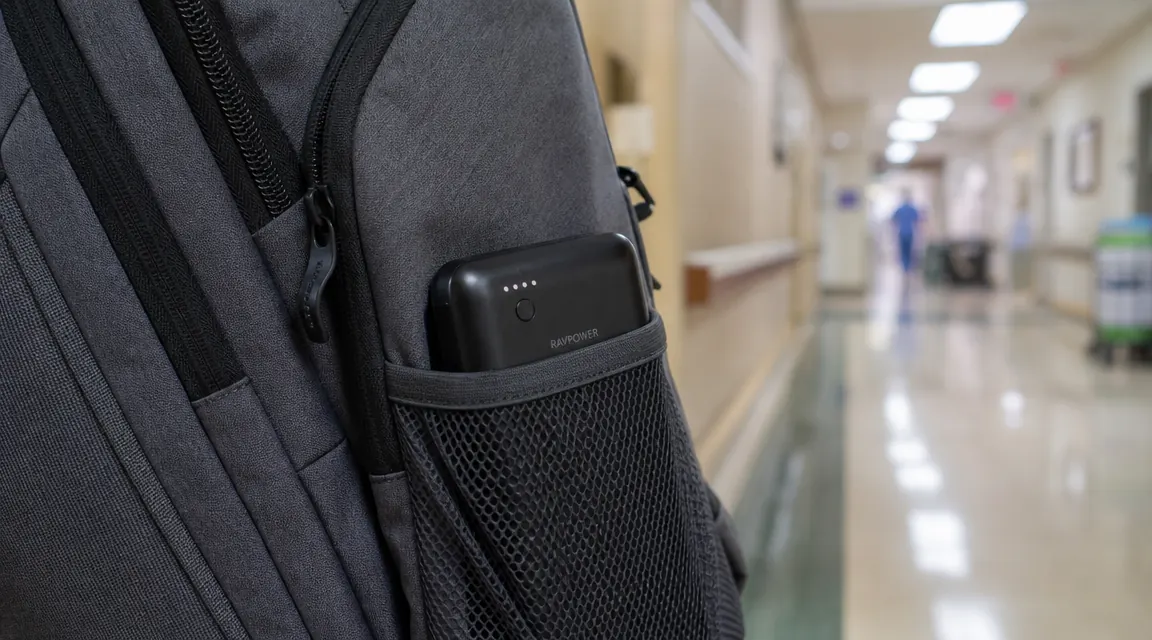
The Anker 25,000mAh Laptop Power Bank has a 4.5-star rating from over 9,200 buyers. Triple USB-C ports at up to 100W each, 25,000mAh capacity, and a retractable cable built right into the housing. It fits in a backpack side pocket and weighs 1.4 pounds.
Amazon Check Today's Price on Amazon →